
Name-Based Case Searches
Open the North Carolina eCourts Portal and pick Smart Search to run a Cherokee County case search by party. The Portal guide asks for a name in last, first order. That is the basic Search Criteria. The basic entry is required. Advanced filters can sharpen the results. They cannot carry a search on their own. So a search that returns nothing after filters were applied usually means the basic criterion was missing, not that the record is gone.
- Open Smart Search and enter a known party name in last, first order. Start with the spelling shown on a citation, notice, order, or other court paper.
- Submit the basic search. If the name is common, expand Advanced Filter Options instead of trying to sort a long statewide list by eye.
- Select Location and choose Cherokee County. Add a party date of birth only when it is appropriate and available; public results mask the displayed date.
- Use case type, case status, or filing-date range to narrow the Cherokee County case results. Then select the underlined case number to open the Register of Actions.
The Judicial Branch documents the Smart Search controls. A web form can change over time, so treat the field layout as a guide to the main choices rather than a fixed list.
| Field label | Type | Required | Use in a Cherokee search |
|---|---|---|---|
| Search Criteria | Text | Yes | Enter a case number or a person name in last, first order. |
| Location | Filter | No | Choose Cherokee to narrow a basic search. |
| Date of Birth | Date or range | No | Part of Party Search Criteria; public results mask the displayed value. |
| Case Type | Dropdown | No | Available groups include civil, criminal, estates, and nonconfidential special proceedings. |
| Case Status and filing date | Dropdown and dates | No | Useful filters after a name or case number has begun the search. |
Note: Advanced filters can sharpen a Cherokee County case search. The Portal will not accept them as a stand-alone request.
Cherokee County Case Result Limits
A broad name search can trigger the Portal warning that 200 results were returned. Treat that as a cue, not a dead end. The record you want is probably in there, buried in a crowd. Narrow the Cherokee County case search by adding Cherokee as the location, picking a case type, choosing a status, or setting a filing-date range. One careful pass beats a string of guessed spellings across an overbroad docket list.
The official electronic public-records statute governs what court records must be open to the public.
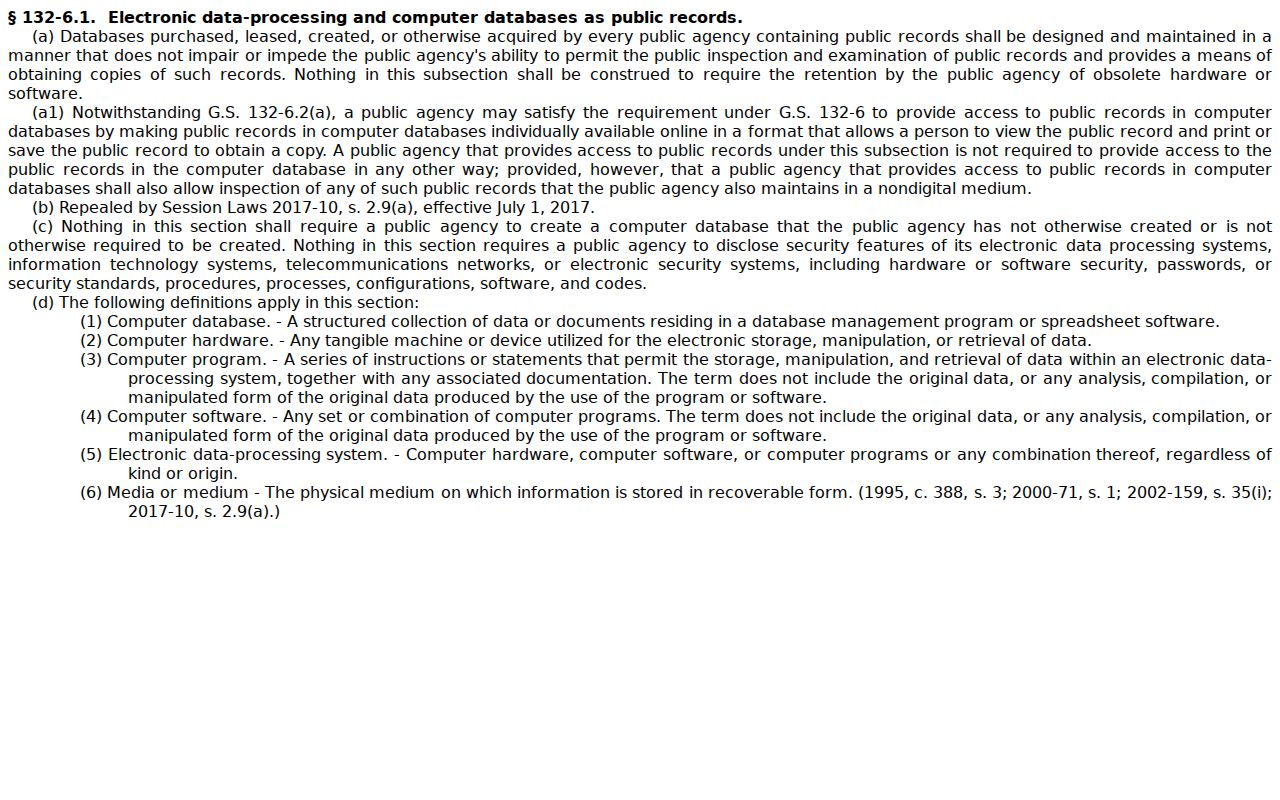
Electronic access puts public information on screen. It still does not turn a Portal display into a Clerk-certified Cherokee County court record.
Case Number Searches
Nothing beats a case number for a direct Cherokee County search. Enterprise Justice builds each number from four parts. The parts are a two-digit year, letters marking the case type, a six-digit sequence, and a three-digit county identifier. The state guide lays out the pattern as YYAA000000-CCC. Copy it character for character. Use a court notice, a Portal result, a citation-related court paper, or an order. No Cherokee-specific suffix is published, so do not guess one.
A traffic citation number works differently. It is not an Enterprise Justice case number. For an eligible citation, start with the official Citation Services channel. Once the court issues a case number, Smart Search opens the broader Case Summary. Keeping the two numbers straight matters. It keeps a valid citation from bouncing back as a badly formatted case number.
The official File & Serve service handles electronic filing for attorneys and filers. Public case lookup stays in the Portal, not there.
Keeping filing and public lookup separate points a Cherokee County searcher to the right entry point in the court system.
Cherokee County Case Number Parts
The pattern describes a case, not its outcome. The segments matter when you copy a number off court paperwork or wonder why a Portal query missed. One dropped digit, a changed letter, or a missing hyphen can keep a Cherokee County case search from matching the intended record.
- Year
- The first two digits identify the year portion in the Enterprise Justice number pattern.
- Case-type letters
- These letters classify the case within the court system. They are not a finding or disposition.
- Sequence
- The six-digit sequence distinguishes the case from other cases of the same class.
- County identifier
- The final three-digit segment identifies the county in the statewide format. Confirm Cherokee’s displayed identifier in Portal rather than supplying a guessed code.
Portal Search Criteria accepts a case number as the basic request. Let the advanced controls only refine that first Cherokee County case search.
Case Search Results Explained
Click the underlined number and the public Register of Actions opens. The Portal calls this the Case Summary. Think of it as a timeline plus a directory of available case information. It is not the official court record. Read the sections in order, especially Case Events, Hearings, and Dispositions. One future setting or a general status line is never the final word on a case.
| Case information | The case-level details and Enterprise Justice number that identify the Cherokee County case. |
|---|---|
| Assignment information | Court-assignment context where the Portal supplies it. |
| Party information | A dedicated public section; date-of-birth display is masked in public results. |
| Case events | A chronological area. Compare event dates and descriptions before inferring what happened. |
| Hearings and dispositions | Separate sections when populated. Use dispositions for specific judgment or resolution details. |
| Financial information | Shown when present, but current amounts should be confirmed with the Clerk. |
Portal search works best when a name, a location, and a case category work together. That combination is what pins down the correct Cherokee County court record.
Cherokee County Case Summary Access
You can search and view public court information in the Portal without registering at all. Registration is optional. Its perk is the My Cases feature, which lets you save cases you are tracking. It will not unlock sealed or confidential material. Elevated access requires a verified statutory business need and an active qualifying role.
For a public case, the Case Summary maps out the case, its chronology, any hearing, and the displayed disposition. It does not promise a downloadable image for every event. Sealed and confidential documents stay off limits to public Portal users. Need the filed document behind an entry? The Cherokee Clerk holds the county case file.
The public CourtListener service offers free access to a separate library of court filings.
Federal and other non-Cherokee sources sit outside the North Carolina Portal. Treat none of them as a stand-in for a Cherokee County Case Summary.
Cherokee County Case Status Filters
Case Status is an optional filter on the Portal. It never replaces a name or case number as your starting point. The published list of criminal and infraction statuses runs long. It includes Pending, Disposed, Completed, Archived, Pending Expungement, Remanded, Transfer to Another County, Transferred to Superior Court, and Voluntarily Dismissed with Leave. Picking one does not narrow your case type for you. So when a Cherokee County case search is broad, confirm both the status field and the case type field yourself.
A status label is really a filing and record-management term. It does not tell the whole story of what happened in the docket. Open the Case Summary. Read its Dispositions section before you describe how a matter ended. Need a filed judgment, an order, or the current amount owed? The Cherokee Clerk's case-file channel is the right place for that.
Two Ways to Search: County and State
Cherokee County sits inside a statewide eCourts environment, so the main Portal does double duty. It is the remote public search path. It is also the place to narrow results down to Cherokee. The county's own local schedules page points visitors the same way. It tells them to search by case number, party, or attorney. Neither route hands you a file copy, a certification, or a legacy record. For those, and for anything a docket search cannot show remotely, the Clerk is still the answer. For those, the Clerk is still the answer.
| Portal Smart Search | Cherokee Clerk and local channels |
|---|---|
| Public Register of Actions or Case Summary for available Cherokee County records. | Custodian for Cherokee court-file documents, certification, older files, and counter assistance. |
| Search by number or party, then narrow by location, type, status, and date. | Use a case number or caption to ask about a filed record or a Portal limitation. |
| Anonymous public searching is available; public viewing cost is not stated. | Copies and certification can carry the statewide fees listed by the court system. |
Federal matters run through a different channel entirely. The PACER Case Locator is the official federal-court search, and the page it links to shows how that system works.
Cherokee state-court cases stay a Portal and Clerk matter. A federal case runs on a different court system with its own number format entirely.
Which Cases Stay Restricted
A Portal result that says no cases match is not always the end. It is not always the end of the story. Official guidance lists several possible causes. Those include mistyped information, an incorrect format, a record that does not exist, and restricted, sealed, or confidential case types. Check the spelling first, then the number, the Cherokee location, and the case class. Never assume a public search can reveal a protected file.
Juvenile records are closed to public inspection under G.S. 7B-3000. Sealed civil documents may sit behind a court order under the access rules. Sensitive documents never appear in the public Portal view. A requester can ask the Clerk for the public portion of a court record. The confidential part simply is not handed out through an ordinary case search.
Cherokee County Case Search No-Match Check
Treat "No cases match your search" as a prompt, not an answer. First recheck the number you entered. Check the last-name-then-first-name order, the Cherokee location, and the case type too. The Portal itself separates incorrect spelling or format from a nonexistent case. It also treats restricted or confidential material as its own category. Each reason points to a different next step.
A corrected public search sometimes surfaces a court case an earlier query missed. But a case you know exists will not appear if it is not public. Retrying will not change that. Confidential material requires the court's applicable process for access. A public file, by contrast, belongs with a simple request to the Cherokee Clerk.
Cherokee County Case Search Wildcards
Wildcards rescue a Cherokee County case search when a name has odd spacing or indexing. The Portal guide allows a wildcard on a case number or business name. It requires at least four characters first. A last-name wildcard needs at least three characters first. A first-name wildcard takes just one. One caution comes from the guide. A business name with a space or special character in its first three characters cannot use the wildcard at all.
Keep the change as small as it can be. A broad wildcard produces the same 200-result pileup you get from a common-name search. That pileup buries the docket you want. Adding Cherokee as the location, plus another supported filter, keeps the results tied to the intended court case.
Cherokee County Citation and Case Searches
A citation number is not automatically the case number that opens a Register of Actions. The two tools start from different ends. Citation Services is the official tool. It works with eligible traffic citations and begins from the citation number or its defendant-name option. Smart Search begins with a court case number or party name. Pick the matching Cherokee County search route. The wrong identifier will hand you a false no-match.
Once the citation has a matching court case number, the Portal can supply the Case Summary. It can also supply whatever hearing information is available. If Citation Services says the citation is ineligible online, do not try to force it into a Portal number query. Confirm the active court date with the Clerk instead.
Cherokee County Case Search Fallbacks
When the Portal cannot show the court file you need, write down the exact case number. Then contact the Cherokee Clerk of Superior Court. The Clerk holds the local files for Superior Court, District Court, magistrate matters, estates, and special proceedings. The official county court records path also offers counter service and self-service terminals. That path covers public files, copies, certification, and older material a remote docket search cannot reach. For the rules behind access, the North Carolina public-records information page lays out what the public-records law covers.
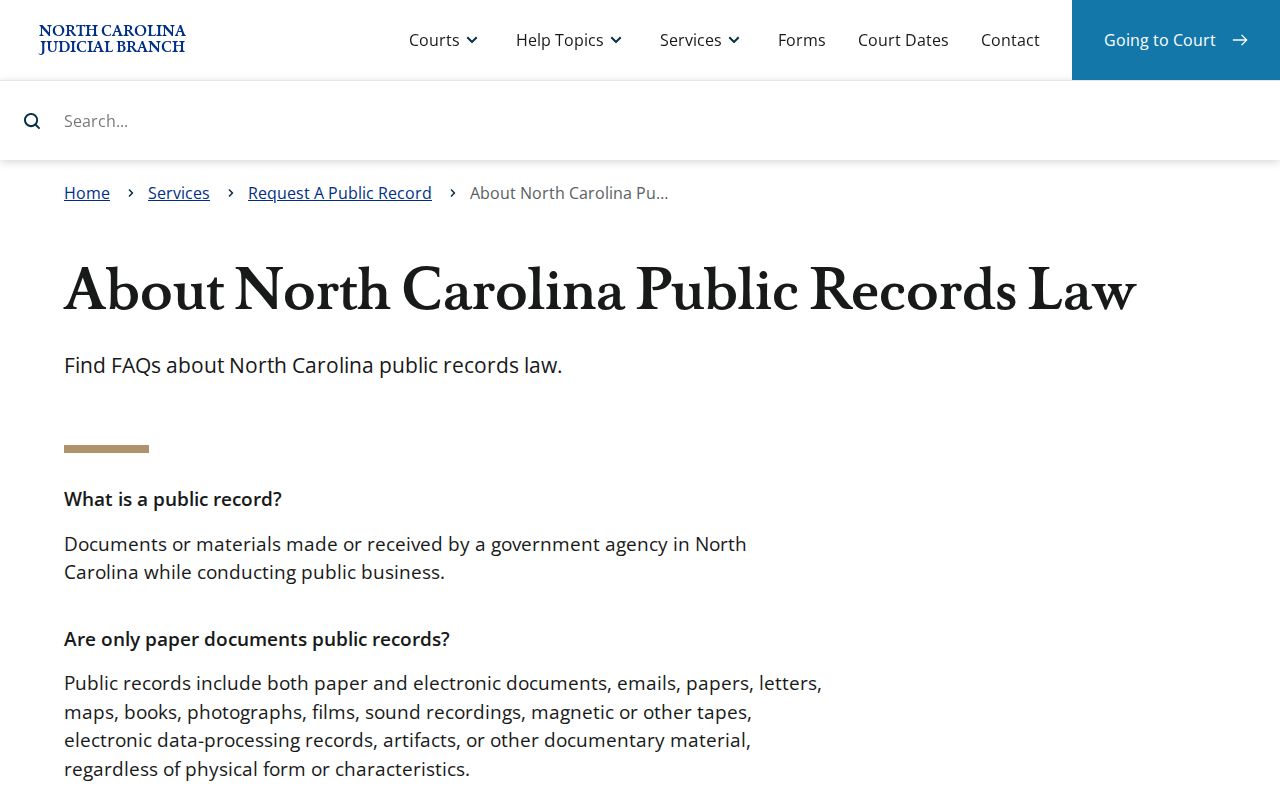
Keep the two request paths straight. A case-file request goes to the Cherokee Clerk, while the NCAOC public-records route covers administrative records and is not the custodian path for a Cherokee case file.