
How the Cherokee County Court Calendar Works
Cherokee layers its calendar work across several official channels. The Local Administrative Schedules page links an active District Court Schedule. It also posts separate civil and criminal calendars. It opens the eCourts Portal too. There you can search by case number, party, or attorney. Each piece does a different job. The local links fit a planned session or a roster. For a specific case, the Portal's Case Summary and Search Hearings tools go deeper.
Sources can disagree. When they do, the controlling order wins. A confirmation from the Clerk or the judge's office settles it. A calendar row may lag behind a newer Portal event. An incoming citation is only a starting point after a reset. Cherokee posts no single county-wide daily printed calendar. A paper roster never replaces a current online or office check.
Cherokee County Court Schedule Sources
Start with the county's Local Administrative Schedules page. That hub points to the District Court Schedule. The civil and criminal calendars sit alongside it. So does the Portal search route. The Local Rules and Forms page adds more Cherokee County detail. It carries the Criminal Case Docketing Plan for the 43rd Prosecutorial District. The same page holds a 2025 criminal and civil administrative schedule. Together these pages explain how court sessions get organized locally. Anyone tracking a live case still needs to check where that case is currently listed on the docket.
A posted session helps you learn the court's rhythm. It proves nothing about a particular case. A docket entry for a hearing is not a guarantee the hearing stands. Read the latest Case Events and Hearing information for the case. Confirm with the clerk if the record looks unclear.
Cherokee County's Local Administrative Schedules page links the official calendar channels the court itself publishes.
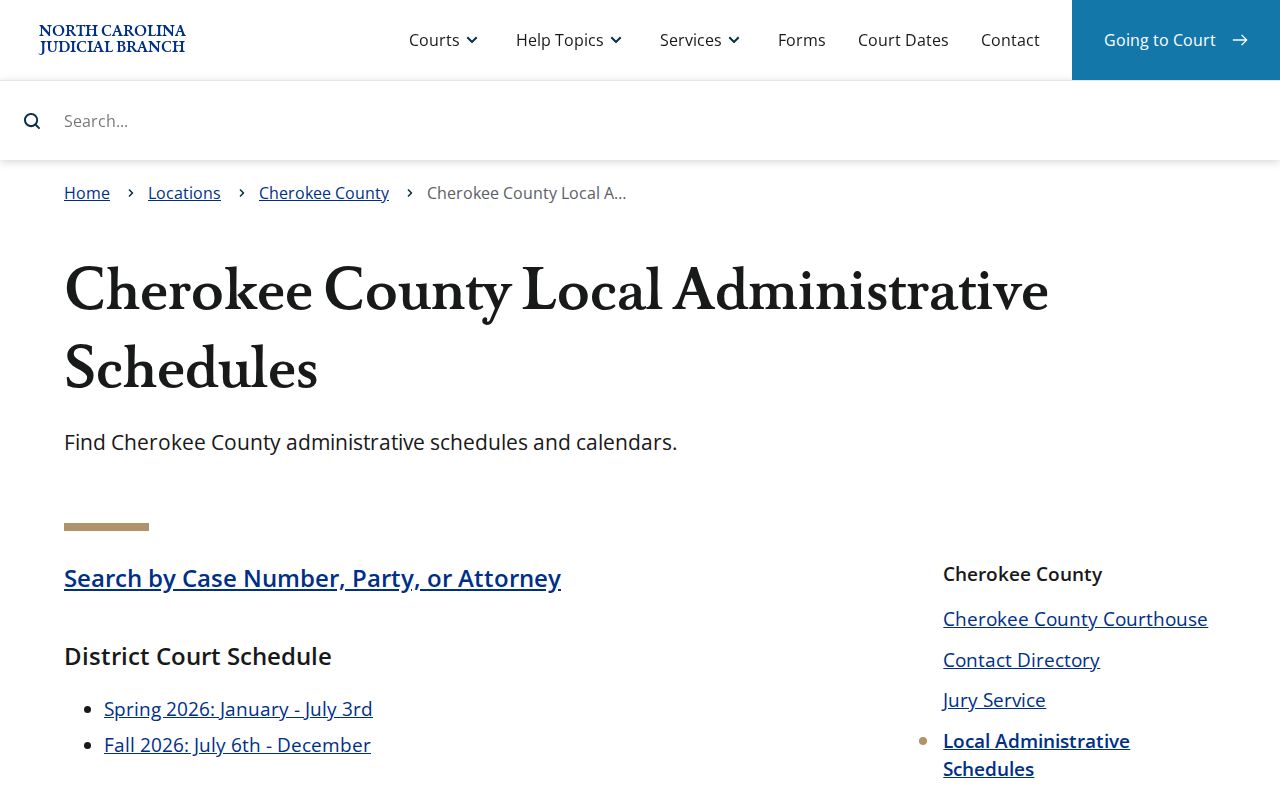
The schedule hub bridges the county roster and the statewide case-level hearing tools.
Cherokee County Court Date Lookups
Keep the exact case number from your notice or citation. That number is your best tool. Run it first in Portal Search Hearings with Cherokee selected and a tight date range. The tool returns current hearing times and locations. You can search by case number, party, business, attorney, judicial officer, or courtroom. Then open the Case Summary's Hearings section and compare it with the later Case Events. That habit keeps a past setting from being mistaken for your next appearance.
Each channel has its role. Portal Search Hearings gives you a live matching hearing. The Case Summary carries case history. The civil or criminal calendar links show published sessions. For traffic tickets, Citation Services lists eligible citation matters and online options. A citation date still needs a fresh case check when an appearance is required. If the online docket leaves you confused or empty, call the Clerk. You can also try the office of the relevant judge. Or visit the Clerk counter and its public terminal. Cherokee offers no text or email reminder program.
- Copy the exact case number from the notice, Portal result, or citation.
- Open Portal Search Hearings, choose Cherokee location, select hearing type and search type, and enter a short date window.
- Open the matching Case Summary and compare Hearings with the latest Case Events.
- Check the county's civil or criminal calendar link when the case is part of a published session.
- Call the Clerk or relevant judges' office, or visit the Clerk counter, when a setting remains uncertain.
Cherokee County Court Hearing Search
Search Hearings asks for a deliberate set of fields. Pick Location first and narrow it to Cherokee when the live list shows it. Then choose Hearing Type, a Search Type, and the value for that type. The Date From and Date To boxes come last. The official guide marks which fields are required. It cannot publish every live Cherokee hearing-type option, since those change. Use the current dropdown rather than a copied list of local labels.
- Location
- The required jurisdiction filter. Choose Cherokee County for a Cherokee setting search.
- Hearing Type
- A required preliminary selection; the research does not supply a complete live option list.
- Search Type
- Choose case number, party, business, attorney, judicial officer, or courtroom.
- Date From and Date To
- The required date window that narrows the hearing search.
- Courtroom
- A searchable statewide list field when selected; the guide advises knowing the particular courtroom.
The search returns hearing locations and times. Open the linked Case Summary for full record context. If the result does not settle the current setting, call the Clerk or court office.
Court Settings: What Each Field Means
A court setting is a scheduled appearance or event. The public record reads best when you weigh date, time, location, case context, and current status as a set. Portal materials support a hearing location and time result. They do not set a universal Cherokee courtroom number, video link, reset notation, or remote-appearance rule. Treat any field the live record omits as unconfirmed. Do not fill gaps from an old calendar.
| Date | The scheduled calendar date in the live hearing result or Case Summary. |
|---|---|
| Time | The displayed hearing time. Confirm whether later case events affect the setting. |
| Location | The hearing location returned by Portal after Cherokee and search fields are selected. |
| Judicial officer or courtroom | Searchable identifiers where displayed; do not infer an unlisted Cherokee courtroom. |
| Hearing type | The selected Portal category. It is not a complete promise of every local procedural label. |
| Case Events | The later chronology that can show why an earlier date no longer controls. |
Common setting terms include arraignment or first appearance, pretrial, motion hearing, status hearing, trial session, sentencing, small-claims hearing, and administrative session. These name court stages. They are not a complete Cherokee dropdown list.
Cherokee County Civil and Criminal Calendars
Cherokee's schedules page keeps civil and criminal calendars on separate links. The split matters. A civil case-management date and a criminal session are different kinds of docket information. Both run through the unified Clerk and Portal system. A case can also have a Portal Case Summary. No matching calendar row may appear on the schedule. Pick the calendar for your case class first. Then verify the individual hearing through Portal or the office holding the setting.
| Source | Best use | Limit |
|---|---|---|
| Civil calendar link | Locate a published Cherokee civil session or setting roster. | Does not replace a current case-specific hearing confirmation. |
| Criminal calendar link | Locate a published criminal session or roster. | An old row is not proof of the next criminal setting. |
| Portal Search Hearings | Find current hearing time and location by a selected search method. | Needs the required live fields and a correct date range. |
The official Civil Calendars interface is the calendar host linked from Cherokee's schedule resources.
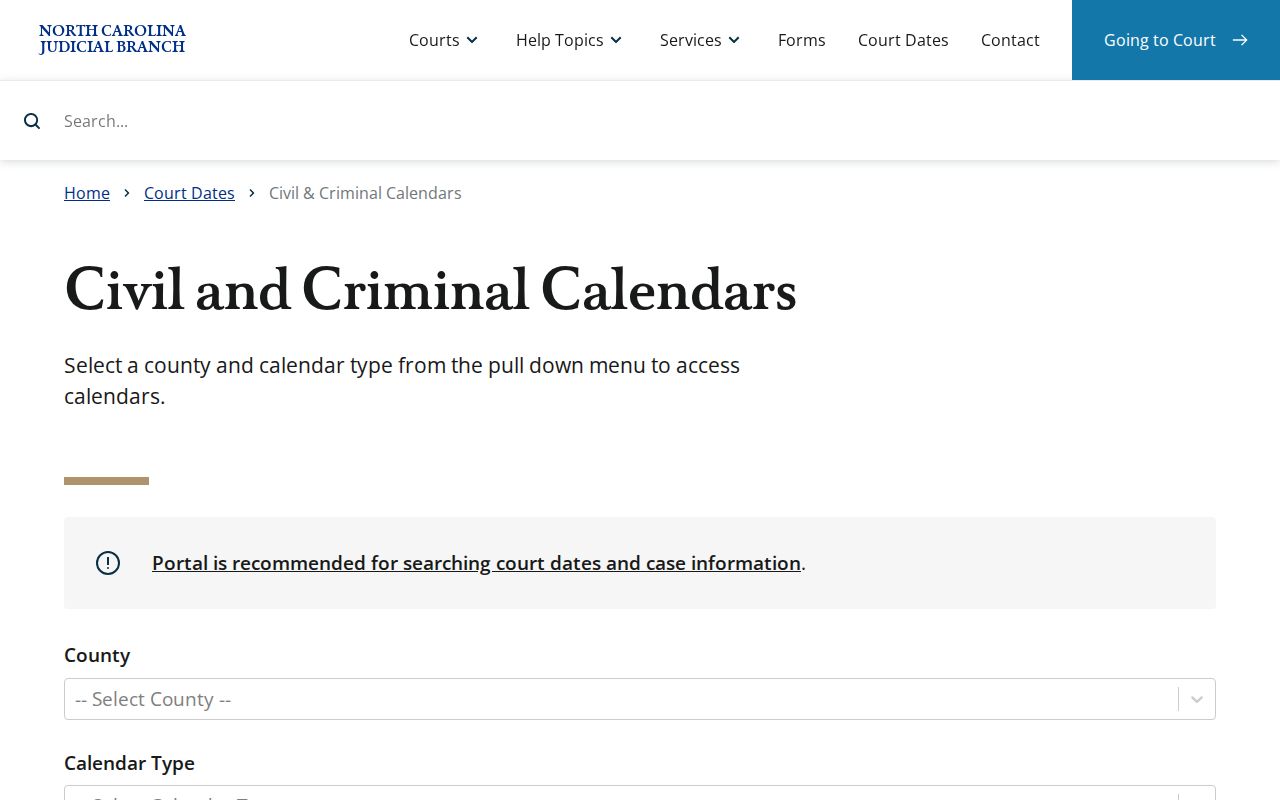
Treat the live calendar host as one clue, not the final word. Reading it beside the case's current Portal information is the right habit, since a roster entry by itself is neither a disposition nor a final setting notice.
When a Court Date Moves
A continuance simply pushes a court date to a later day. Any party who needs one should read the local rules. File the proper motion with advance notice. If a listed date looks wrong, work through three steps. Compare that row with the later Case Events. Rerun Search Hearings over a current date window. Then call the Clerk or the judges' office if the docket entry still seems unclear. An order or direct word from the office beats an older roster or citation every time.
Weather and courthouse closures give one more reason to refresh a search. State guidance says cancelled cases get rescheduled, usually with a new date mailed out. Cherokee's official county news carried western-county emergency-order material after Hurricane Helene. That is a good reason not to lean on a saved calendar PDF. The eCourts conversion changed Cherokee docket searches too. The county joined Track 5 on July 22, 2024. Portal now supplies the statewide electronic record layer.
Cherokee County Court Schedule Checks
The official Cherokee news index documents the Track 5 eCourts rollout. That rollout moved Cherokee County into the modern Portal environment. The practical lesson for a reader is simple. A current Search Hearings check and a call to the Clerk can catch changes that a stored printout cannot. Calendars do not all update in real time. So rely on the freshest official source, and pick up the phone whenever an appearance turns on an unclear court date. For local eCourts rollout details and court news, the Judicial Branch Cherokee news index collects that context in one place.
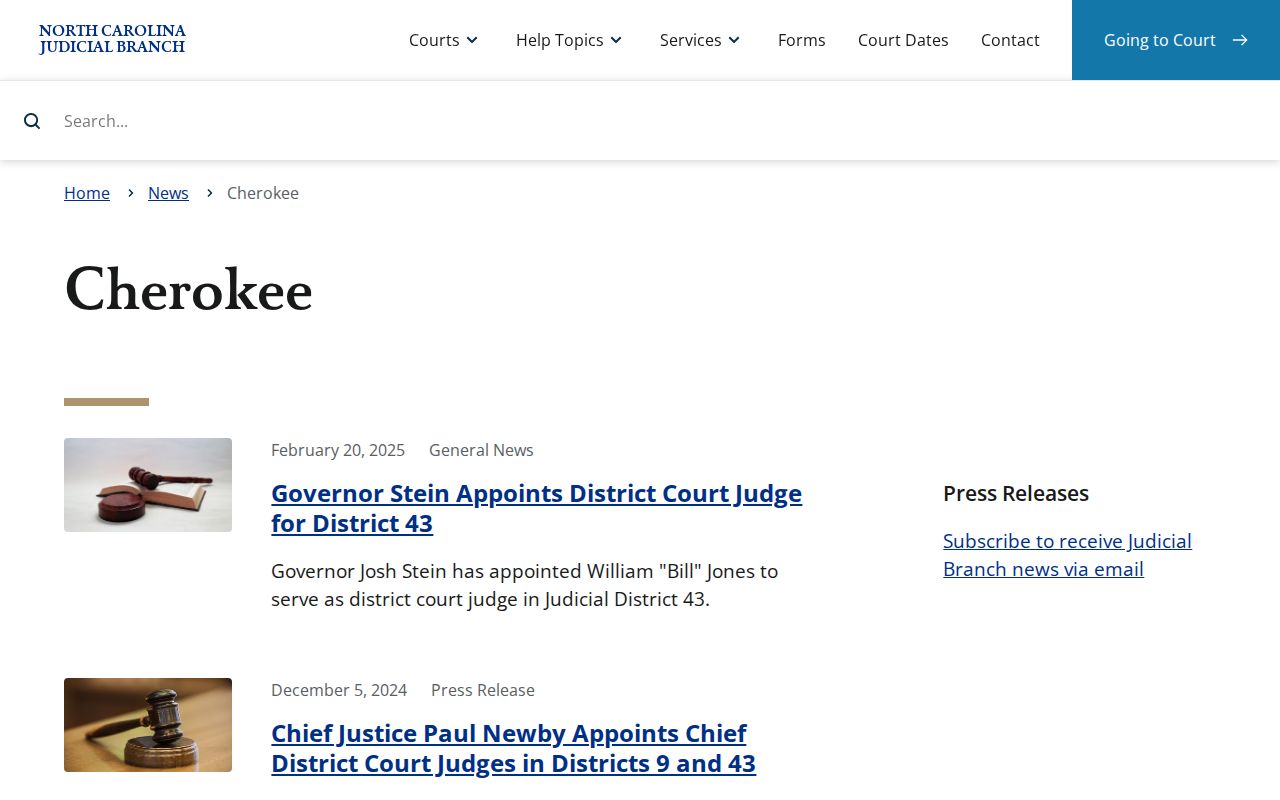
Rollout history explains the online channel, but it is not where a specific setting lives. For one current court date, a live Search Hearings result is the better source.
Missed Settings and What Comes Next
Act fast after a missed Cherokee setting. Start by finding the case number. Next, review Portal Search Hearings and the latest Case Events. Then contact the right court office or the Clerk for the current status. Anyone with a lawyer should call that attorney as well. The correct next step depends on the case type and any order entered. Never assume a later date from an old notice. The same goes for a calendar entry that has already passed.
Missed Cherokee court setting. A missed appearance can have serious case-specific consequences, especially in a criminal or traffic matter. Confirm the current setting through Portal and the Clerk or responsible court office promptly, and follow any order or counsel's instructions rather than waiting for a prior calendar to update.
The Clerk's number is (828) 835-7740. For a judge-office question, the official directory lists Superior Court judges at (828) 369-7299 and District Court judges at (828) 454-6511. If a record cannot be resolved online, visit the Clerk counter at 75 Peachtree St., Murphy, or use the statewide clerk-office terminals as an in-person fallback.
Cherokee County Court Schedule Phone Chain
The Cherokee Clerk of Superior Court sits at (828) 835-7740. That office handles case-file, copy, Portal, and general setting questions. Judge-office calendar matters go elsewhere in the official directory. Superior Court judges are listed at (828) 369-7299. District Court judges are listed at (828) 454-6511. Magistrates are listed at (828) 835-7755. Calling the right office beats guessing from a stale calendar.
When you call, give the case number, the date being checked, and the division involved. The office can point you to the proper current record channel. Still, a court order or direct confirmation controls over a prior calendar entry.