
Cherokee County Court Docket Searches
Start a Cherokee County court docket lookup at the North Carolina eCourts Portal. That is the state's public search channel. Pick Smart Search there. Type a name in last-name, first-name order, or an Enterprise Justice case number if you have one. Choosing Cherokee County trims results when a surname is shared by many people. Click the underlined result number and the Register of Actions opens. Portal also labels this screen the Case Summary. Depending on what is public, it may list case information, events, dispositions, hearings, and financial information.
Remember what a result is. It identifies a case and its public history, but it is not a certified record. Save the case number first. Then ask the clerk for a filed order, a full document, a certification, or help with an older file. Is your real question an upcoming setting? If so, the Cherokee County schedules page posts the official calendar links.
- Open Smart Search and enter one basic name or case-number criterion.
- Select Cherokee County and add case type, status, or filing-date filters to narrow a basic search.
- Open the underlined number and read the Register of Actions in time order.
- Contact the Clerk for a copy, certification, public-terminal help, or an unavailable record.
Cherokee County Register of Actions Terms
Two names, one screen. North Carolina calls the online docket a Register of Actions. Portal also calls it a Case Summary. Either way, it is a public timeline and summary of a case, not every paper filed in it. Anyone can search Public Portal information without registering. An account unlocks My Cases functions, yet it still will not open confidential, sealed, or restricted material.
- Case event
- A dated action in a case history, such as a filing or hearing event.
- Disposition
- An outcome recorded when a case or charge is resolved.
- Setting
- A scheduled court event, which is not always a trial date.
- Register of Actions
- The public Cherokee County case summary for an available court case.
Sometimes a Hearing or Financial Information section simply is not there. That gap means Portal has nothing public to show in that category, nothing more. It does not prove no event or amount exists. The clerk keeps the underlying Cherokee County court file. That office can answer record-specific questions.
Cherokee County Court Dockets and Details
Think of a Cherokee County court docket as the procedural path of a case. A public Register of Actions can show the case number, the assignment, and the parties. Timeline entries, hearings, dispositions, and sometimes financial information appear too. Civil, family, probate, and mental-health cases may add a Causes of Action section. What appears depends on the case category. Access rules matter too. So treat the screen as a current reference. It is not a substitute for the original file.
| Case Information | Core identifier and summary information. |
|---|---|
| Assignment Information | Court or division assignment shown for the case. |
| Case Events | Chronological actions that place filings and settings in context. |
| Hearings and Dispositions | Scheduled-event and outcome fields when public and populated. |
| Official file | Filed documents and certification held by the Cherokee Clerk. |
The Portal training resources walk through these features and their access limits. A docket screen can locate an item; only a clerk-issued copy supplies the official court-file document.
Cherokee County Portal Search Limits
Portal caps a search at 200 results. That limit matters most in a Cherokee County court docket search for a common surname. If the screen reports 200 results, add Cherokee County as the location. Then narrow by case type, status, a filing-date range, or another documented filter. A broad list is not a full search. A "no cases match" message has several causes. A typo, a bad format, a nonexistent case, or a restricted record can all produce it.
Wildcards are allowed, within limits spelled out in the user guide. A case number or business name needs at least four characters before an asterisk. A last name needs at least three. A citation number is not always an Enterprise Justice number. For an eligible traffic matter, Citation Services can find the citation. Smart Search remains the broader Cherokee County court-case route.
Keep the exact case number handy. Verify active hearing information before treating any Portal result as current.
Cherokee County Courts and Dockets
Cherokee County does not split state records among a county clerk, a municipal court, and a justice court. There is no such split here. One elected Clerk of Superior Court is the unified custodian. Above the District Court boundary, Superior Court handles felonies and larger civil matters. District Court takes misdemeanors and traffic and infractions. Family matters, most lower-value civil cases, and appeals from magistrates land there too. Magistrates serve as District Court officers. They handle preliminary criminal work and defined civil matters such as small claims. Knowing the split tells you where a Cherokee County docket entry belongs.
| Court or officer | Docket covers | Where to search |
|---|---|---|
| Superior Court | Felonies and major civil matters | Portal and Cherokee Clerk |
| District Court | Misdemeanors, traffic, family, civil matters | Portal, calendars, and Clerk |
| Magistrates | Small claims and preliminary matters | Unified Clerk file and Portal |
| Clerk probate role | Estates and probate administration | Portal and Clerk file |
The official Cherokee County court page lists the county in Superior Court District 43A and District Court District 43. That single structure explains why a city citation never lands on a separate town docket.
Cherokee County eCourts Changeover
Cherokee County moved to North Carolina's Track 5 eCourts conversion on July 22, 2024. Case management now runs in Enterprise Justice, also called Odyssey. Portal serves as the statewide public lookup channel, something Cherokee did not always have. By October 2025, the Judicial Branch reported the conversion complete across all 100 counties.
North Carolina eCourts lays out the statewide services. File & Serve handles filings; Portal handles public reading and lookup. Filing through File & Serve is still no substitute for one more step. Check the Cherokee County Register of Actions afterward. That eCourts page is where the state's service index appears.
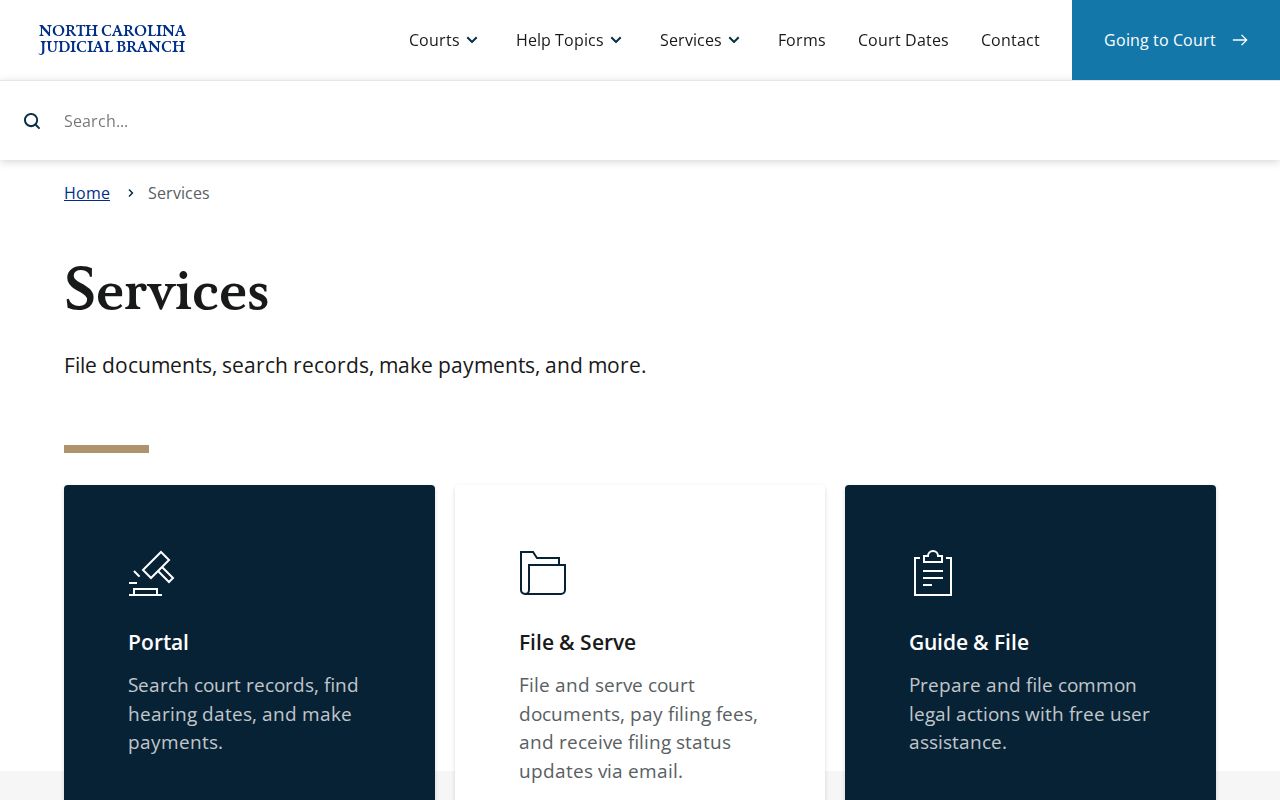
The service index places Portal, records, and court-date tools in one Judicial Branch system.
Court Dates and Settings in Cherokee County
A Cherokee County court docket entry may list a setting. But the safest date check pairs the case summary with the active calendar. Portal Search Hearings lets you search by location, hearing type, a selected search field, and a date range. The county schedules page links the District Court schedule plus Cherokee civil and criminal calendars. A calendar helps with a session list. It cannot replace the current case record, though. A reset or a continuance can move the next event.
If a date stays unclear, start online. Then call the Clerk at (828) 835-7740 or ask at the Cherokee County Courthouse. One caution: a setting is a court event, not always a trial. The official schedule page is the county's hub for calendar links. The same site hosts the Portal training materials.
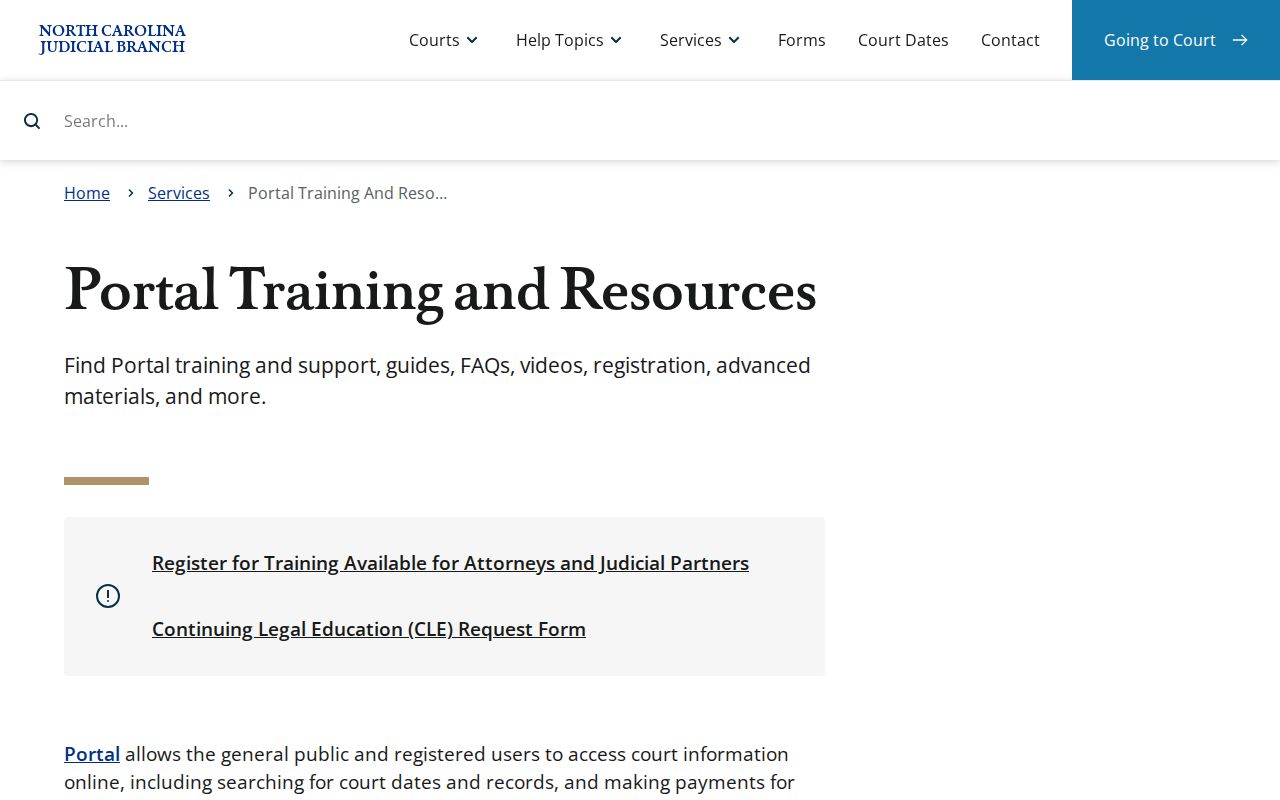
Use a case-specific search before relying on a date from an older notice.
Cherokee County Case Number Format
An Enterprise Justice case number has four pieces. There is a two-digit year, case-type letters, a six-digit sequence, and a three-digit county identifier. Statewide, the pattern looks like YYAA000000-CCC. Copy the number exactly as it appears on a citation, notice, order, or Portal result. Guessing the Cherokee suffix causes errors. That suffix only tells the statewide system where the case lives. It is not a town name.
When you have the full number, plug it into Smart Search. A name search works when the number is missing. But expect more filters and results you must check closely. With the number in hand, the public summary opens fast. The Cherokee Clerk can then pull the court file without guesswork.
The official Portal page on this Judicial Branch resource shows the layout.
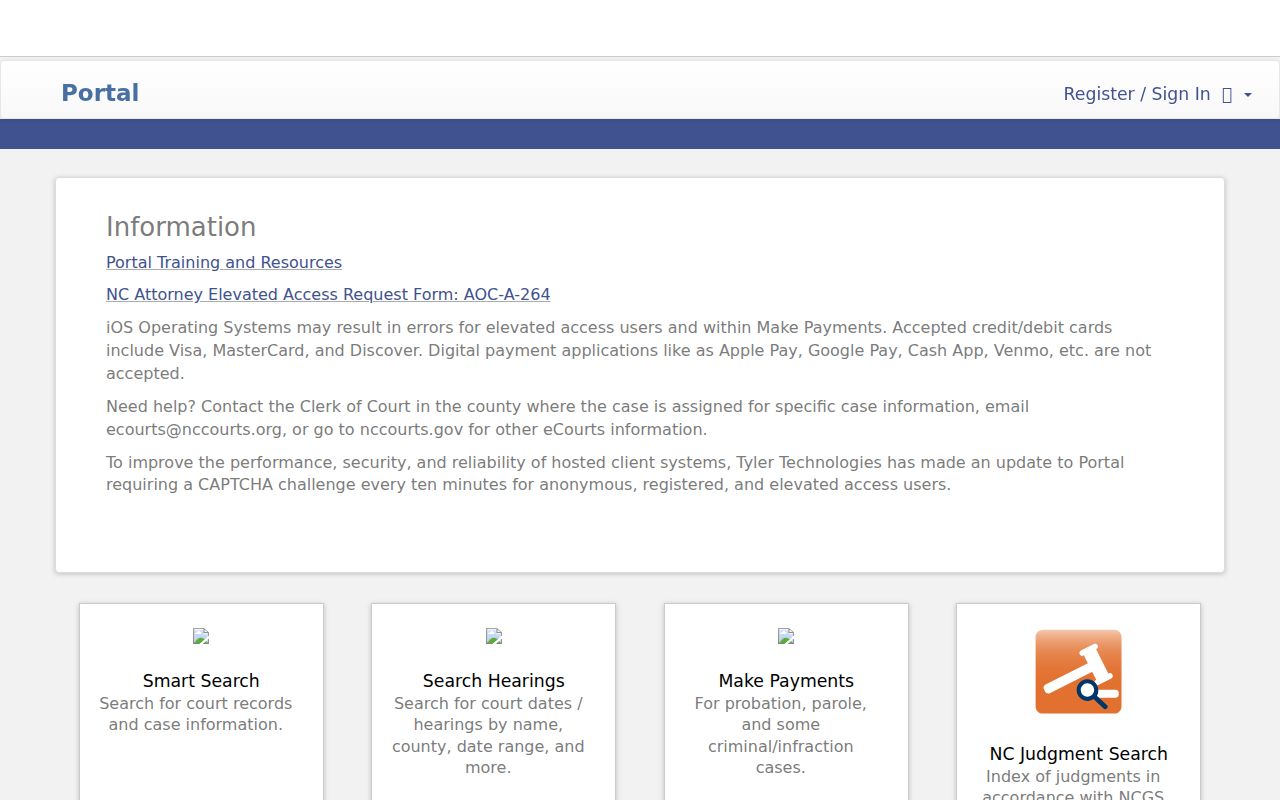
Smart Search is the first electronic route for an available Cherokee County case summary.
Docket Access Under North Carolina Law
Cherokee County court dockets are open to the public within firm limits. G.S. 7A-109 tells clerks of court to keep records, dockets, and indexes available for inspection unless a law blocks access. The broader policy sits in G.S. 132-1, while G.S. 132-6.1 covers how that applies to electronic databases. None of these rules forces protected material into the public Portal, so some filings stay sealed even when a docket itself is open.
Access limits matter. G.S. 7B-3000 protects juvenile records, and G.S. 1-72.1 provides a civil route for sealing or restricting access. Ask the Clerk rather than assuming a protected record is missing.
A missing case or document on the Portal settles nothing about the clerk-held file. The public counter still matters. So do the clerk's own case-file procedures, which remain part of docket access in Cherokee County.
The public-record law source appears here.
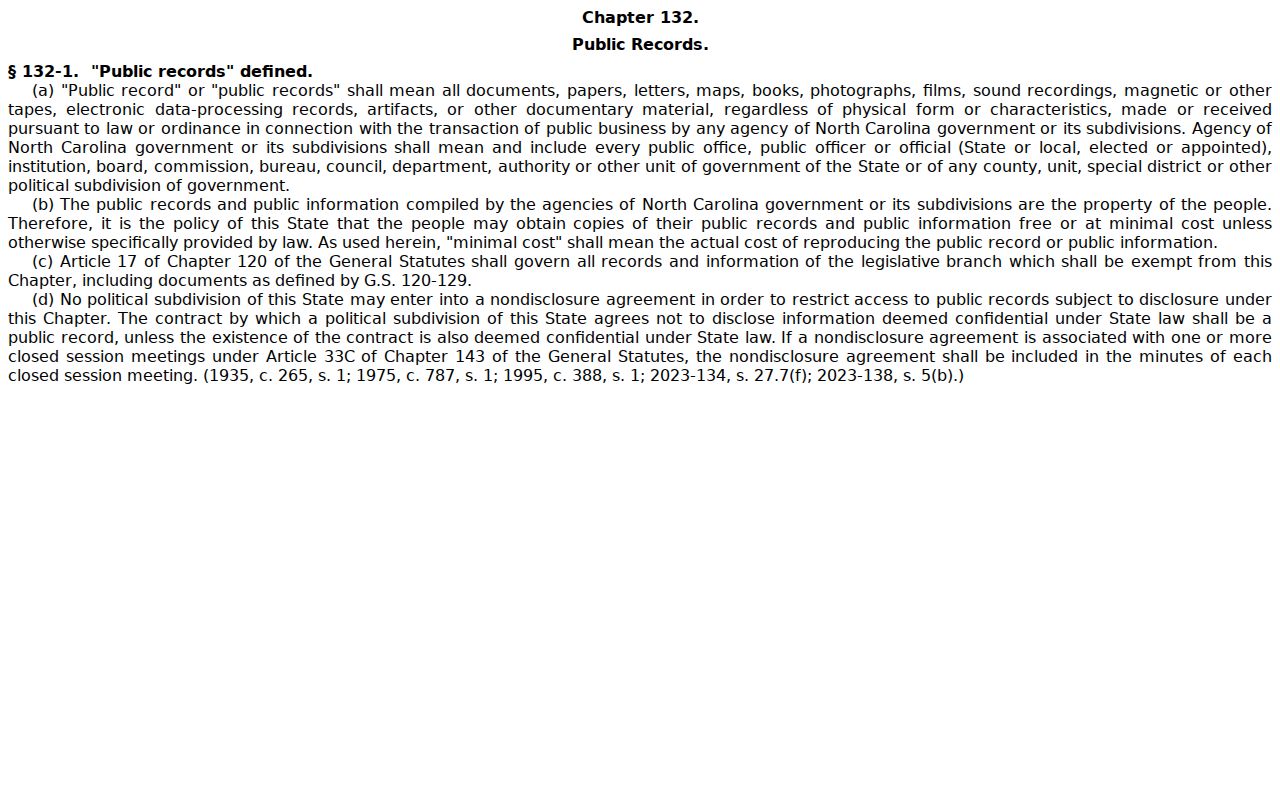
The clerk applies the record-specific limits that control inspection and copying.
Cherokee County Court Docket Files
The Register of Actions is a public summary, not the official Cherokee County court record. It gathers case information, events, hearings, and outcomes in one view. A filed pleading, order, judgment, certified copy, audio recording, or transcript each takes a different route. Ask the Cherokee Clerk for the file behind a docket event. Certified documents come from the clerk of the filing county. A transcript comes from the reporter or the recording process, never from a Portal entry.
Start in Portal, pin down the right case and document, then request that exact item. Clerk copies may carry statewide fees. Cherokee County posts no online certified-copy cart and no fixed turnaround, so confirm the record and the total before mailing a request.
How the Cherokee Clerk Keeps Docket Records
One office holds the county's whole docket system. The Cherokee County Clerk of Superior Court keeps the unified local files for Superior Court, District Court, magistrate-related civil matters, estates, special proceedings, criminal actions, and the court indexes. Visit the Cherokee County Courthouse at 75 Peachtree Street in Murphy. Hours run 8:00 a.m. to 12:30 p.m. and 1:30 p.m. to 5:00 p.m. on weekdays.
Cherokee Clerk of Superior Court
75 Peachtree St.
Murphy, NC 28906
(828) 835-7740
Public case-file access, copies, certification, older-record questions, and docket assistance.
State materials say clerk offices offer self-service terminals, but they name no Cherokee terminal count or spot. The courthouse page lists the local phone and accessibility details.
The courthouse appears on the official source page.
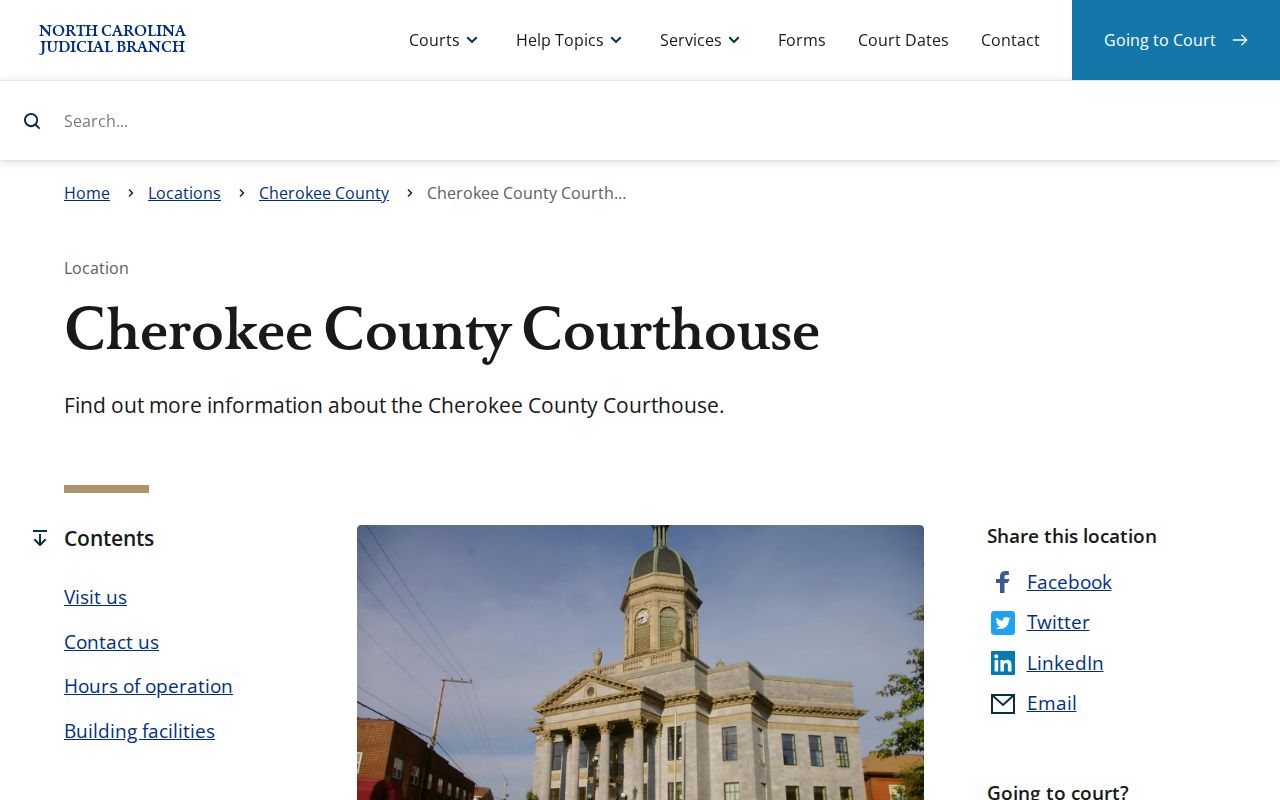
Across every trial division, one courthouse and one clerk office give Cherokee County its physical access point.
Cherokee County Courthouse Docket History
Fire shaped the courthouse that holds Cherokee County court records today. A blaze in January 1926 destroyed the building on the site, and the present Cherokee County courthouse rose in its place, finished in 1927. The county and the Town of Murphy describe a Beaux-Arts structure faced with blue marble quarried nearby, later added to the National Register. Old docket books were never eCourts records to begin with, and official sources do not claim that every historic file has been digitized.
Chasing an older Cherokee County court docket takes preparation. Bring the Clerk a case name, a rough year, and any number you have, and the staff can pinpoint the file or the archival path. The town's courthouse history page gives more of the local backdrop.
The county court landing page appears next.
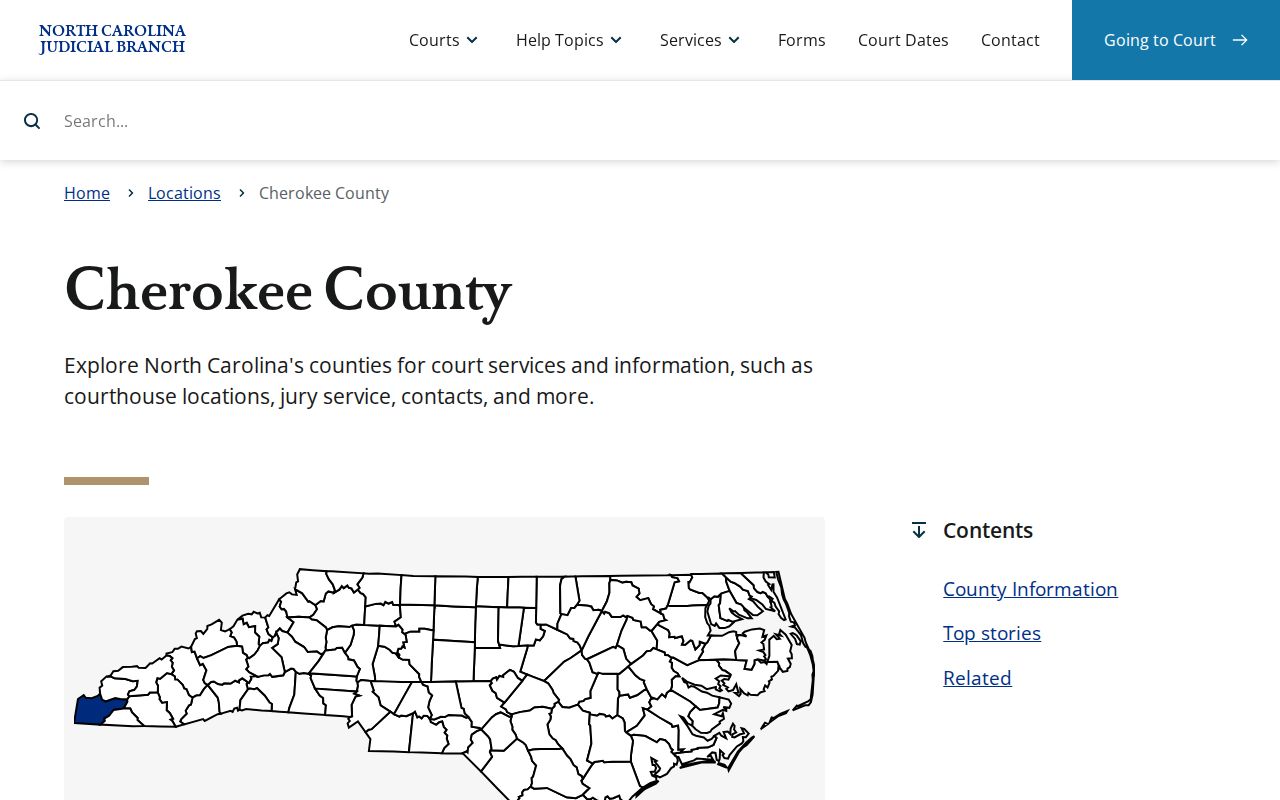
Modern Portal access and old physical records meet at one place, the Cherokee courthouse and the Clerk's office.
City-by-City Court Dockets in Cherokee County
Cherokee County contains just two incorporated towns. The 2024 North Carolina Office of State Budget and Management estimates list Murphy and Andrews. Murphy's own planning material names Andrews as the only other incorporated municipality. Neither town runs its own municipal-court docket. A town citation or court matter travels the same road: the Cherokee District Court, Portal, Citation Services, and the Clerk.
Murphy Court Records
Murphy is the county seat and courthouse location. Its public court route is Cherokee’s state-court system, not a town portal.
Andrews Court Records
Andrews uses the Cherokee Clerk and Murphy courthouse for state-court dockets, files, and eligible citation services.
Use the city pages to sort local routing. Then lean on countywide channels for the Register of Actions and the Clerk file.
Cherokee County Court Data and Dockets
A case docket answers questions about one matter. The North Carolina Case Statistics Dashboard, launched in 2025, does something else. It filters filings, dispositions, pending cases, aging, and court categories by county or district. Smart Search does not supply aggregate statistics. The two tools simply do different jobs. The dashboard also publishes no static Cherokee-only filing total. Use Portal or the Clerk for a known case, its docket events, and the file itself. Use the dashboard for broad public context on Cherokee County court activity.
The Judicial Branch statistics resource appears below.
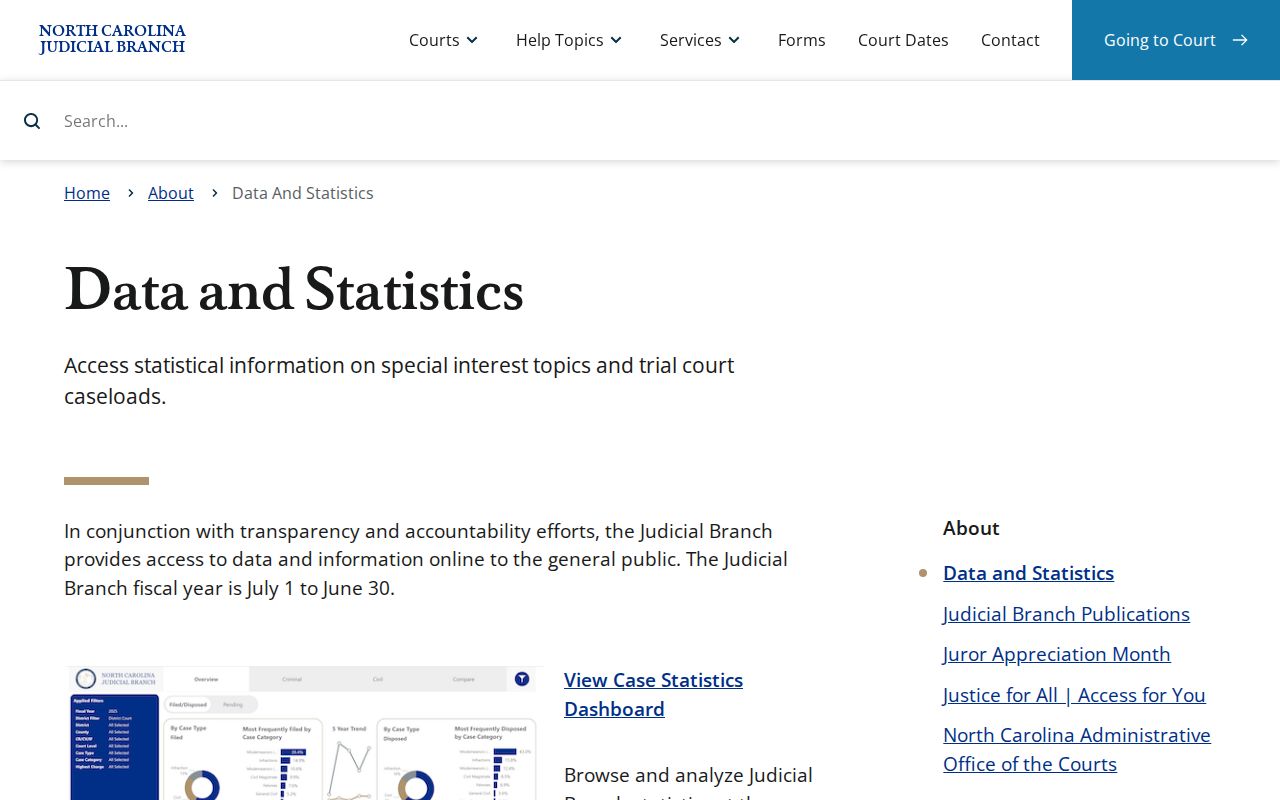
The dashboard offers aggregate transparency without replacing an individual Register of Actions.
Cherokee County Citation Docket Route
Traffic cases from Murphy, Andrews, and unincorporated Cherokee County all land in District Court records. The Clerk keeps those records. Begin with Citation Services and the citation number to see whether online options apply. Portal Search Hearings or the county calendar shows the active court date. If the date has passed, results conflict, or nothing appears online, call the Clerk.
The official Cherokee payment page lays out county payment methods. That page does not create a city traffic court. Every citation, hearing, and record stays on the Cherokee state-court route.
The statewide eCourts page supplies this service context.
State tools and clerk channels together fix the court route for any Cherokee County citation.
Cherokee County Clerk Docket Duties
In Cherokee County, North Carolina law puts the docket and index work on the clerk. One Clerk of Superior Court handles both trial divisions here, along with many case types. So the office is a natural stop for almost any court record question. Start with Portal if a Case Summary exists. Then turn to the clerk for the original case file, certified copies, and access questions about a specific record. For the broader framework, the Judicial Branch public-records information spells out how inspection and copying work across the state.
Know which office actually holds the record. A Cherokee court case file sits with the county clerk, who is its custodian. An administrative Judicial Branch record, by contrast, may call for a state public-record route. Keep that line straight. It keeps a case-file request from landing at an office that cannot fill it.
The clerk's statutory duty over these dockets and indexes comes straight from state law.
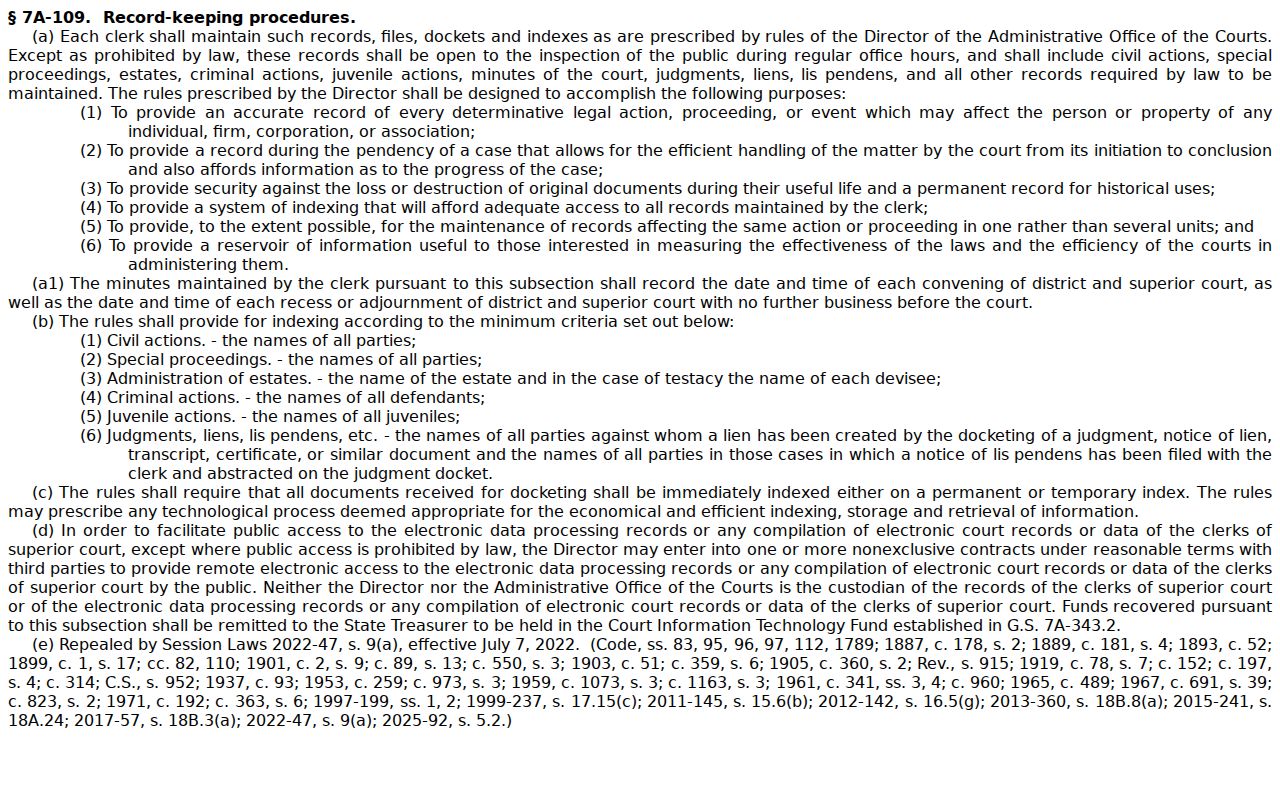
The clerk’s responsibility supports public access while record-specific restrictions still govern each file.
Map and Directions to the Cherokee County Courthouse
The Cherokee County Clerk of Superior Court keeps the county's unified docket, covering Superior Court, District Court, magistrate civil matters, estates, and special proceedings, at the Cherokee County Courthouse in downtown Murphy. The 1927 blue-marble Beaux-Arts building, listed on the National Register of Historic Places, is the county's only courthouse, so every Cherokee case, including Murphy and Andrews town citations, is filed and viewed at this single address. The courthouse is wheelchair accessible.
Cherokee County Courthouse
75 Peachtree St.
Murphy, NC 28906
(828) 835-7740
Monday through Friday, 8:00 a.m. to 12:30 p.m. and 1:30 to 5:00 p.m.
The courthouse page does not publish a parking, entrance-screening, or public-terminal-location policy, so calling the Clerk before a visit is the safest plan. Note the midday closure between 12:30 and 1:30 p.m., when the counter is unavailable.